Your phone gives a tiny buzz when you type, tap a button, or interact with a setting. That small sensation may seem unimportant, but it helps you feel what is happening on the screen. This is where haptics meaning becomes useful to understand. Haptics is technology that uses touch sensations, such as vibrations or gentle pressure, to communicate information or respond to your actions.
On smartphones, haptics usually refers to the subtle feedback you feel while typing, navigating menus, or using supported features. You may see options such as System Haptics, Keyboard Haptics, or Touch Feedback in your phone’s settings. These options control different types of tactile responses, depending on your device. Understanding them helps you decide which feedback is useful, which is distracting, and when turning it off makes sense.
What Does Haptics Mean in Simple Words?
Haptics means using the sense of touch to communicate information or create a response. In everyday technology, it often involves small vibrations that you can feel through a phone, smartwatch, or gaming controller.
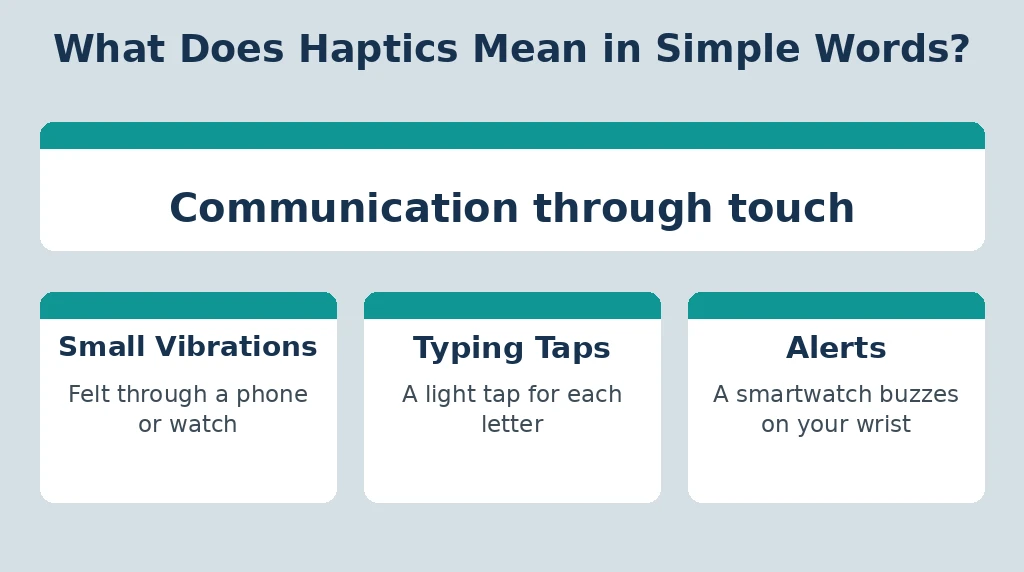
For example, imagine tapping a virtual button on your phone. The screen does not physically move, but your device produces a brief vibration. That sensation makes the interaction feel more responsive.
Here are some everyday examples:
- Your phone produces a light tap when you type a letter.
- A smartwatch vibrates when you receive an alert.
- A gaming controller shakes when a vehicle crashes in a game.
- A device gives a tactile response when you press and hold a supported control.
These are examples of haptic feedback. The goal is to make digital interactions easier to notice and, in some cases, more realistic.
What Is Haptic Feedback?
Haptic feedback is the physical sensation a device provides in response to an action, event, or command.

Think of it as a way for your device to communicate through touch instead of relying only on what you see or hear.
For instance, when you tap a virtual key and feel a brief vibration, the device is giving you tactile feedback. When a smartwatch delivers a series of small taps to notify you of an alert, it is also using haptic feedback.
How Does Haptic Feedback Work?
Most smartphones use a small component called a haptic actuator to create controlled physical sensations. Depending on the device, the component may produce vibrations or short, precise movements.
The basic process is straightforward:
- You perform an action, such as tapping a key.
- The operating system or app sends a signal to the device’s haptic hardware.
- The hardware creates a brief physical sensation.
- You feel the response and recognize that an interaction occurred.
The sensation may be strong, soft, short, or repeated. The quality depends on the phone’s hardware, software, and settings.
Not every tap produces haptic feedback. Developers and operating systems choose when it is appropriate, and some apps do not use it at all.
Haptics Meaning on a Phone
On a phone, haptics generally means touch-based feedback that makes certain interactions feel more responsive. It can appear during typing, navigating the interface, interacting with controls, or using supported apps.
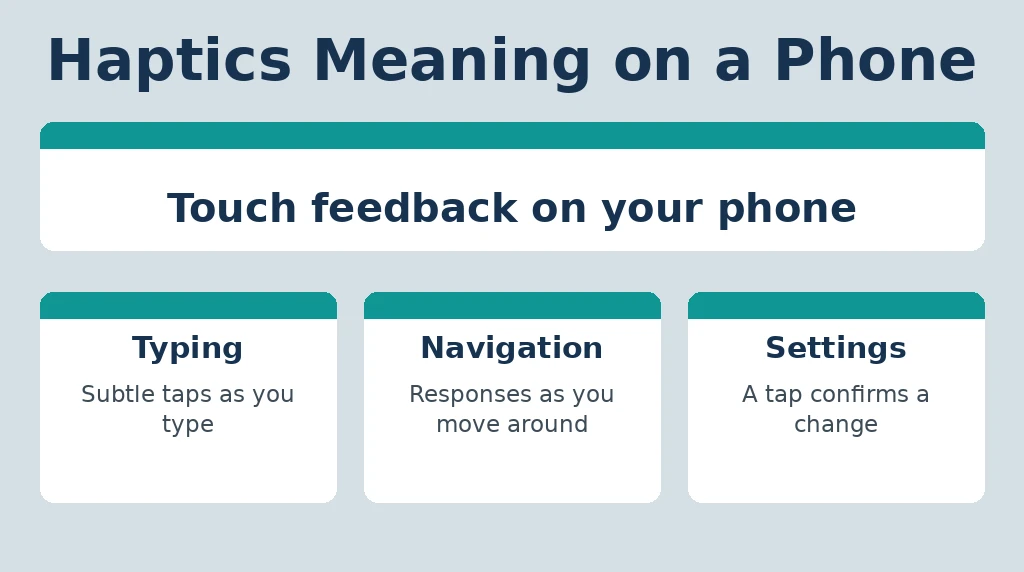
Imagine adjusting a setting and feeling a subtle tap when the control changes. That feedback can confirm that your action registered without requiring a sound.
| Phone interaction | Possible haptic response |
|---|---|
| Typing on a virtual keyboard | A light tap for each key |
| Using supported system controls | A subtle vibration or tactile response |
| Receiving a notification | A series of vibrations or taps |
| Playing a mobile game | Feedback linked to an in-game event |
| Using supported touch gestures | A short response that confirms an action |
The exact behavior varies by phone model, operating system, app, and selected settings. Turning off one haptic option may not disable every vibration on the device.
System Haptics Meaning on iPhone
On an iPhone, System Haptics refers to tactile feedback used for supported system interactions. It can make certain actions feel more physical by producing small vibrations or taps.
For example, some interface controls may provide a subtle response when you interact with them. The effect is designed to complement the visual interface rather than replace it.
What Happens When You Turn System Haptics Off?
The result depends on your iPhone model and software version, but disabling System Haptics can remove some tactile responses during system interactions.
It does not necessarily turn off every vibration. Keyboard feedback, notification vibrations, alarms, and other features may have separate settings or behaviors.
How to Check Haptic Settings on an iPhone
Settings names can change with iOS versions, but you can start here:
- Open Settings.
- Look for Sounds & Haptics.
- Review the available haptic and vibration options.
- Check the relevant keyboard or system feedback controls if available.
On supported versions, keyboard feedback can be adjusted separately under Settings > Sounds & Haptics > Keyboard Feedback. If your iPhone uses different labels, search for “Haptics” or “Keyboard Feedback” within Settings.
The key point is that System Haptics and keyboard haptics are related but distinct features.
Haptics Meaning on Android
On Android phones, haptics commonly refers to touch feedback generated by the system, keyboard, or supported applications. Depending on the manufacturer, you may see labels such as Touch feedback, Touch vibration, Vibration and haptics, or Haptic feedback.
For example, a phone may vibrate slightly when you tap a navigation control or type a letter. Some devices also let you adjust vibration intensity.
How to Find Haptics Settings on Android
Android menus vary among manufacturers, so there is no single path that works for every phone.
Try these steps:
- Open Settings.
- Use the search bar to search for “Haptics” or “Vibration.”
- Open the relevant sound, vibration, or touch-feedback settings.
- Adjust the options for touch interactions or keyboard feedback.
On some devices, vibration settings are under Sound & vibration. On others, the labels and menu structure are different.
If you use Gboard, its keyboard feedback settings may be controlled separately from the phone’s system haptics. Turning off touch feedback in one location may not affect every other feature.
Keyboard Haptics Meaning
Keyboard haptics means the small tactile response you feel when pressing keys on a virtual keyboard.
Instead of receiving only a visual change on the screen, you feel a light tap with each keypress. Some people like this because it makes typing feel more responsive. Others find repeated vibrations distracting.
Should You Turn Keyboard Haptics On or Off?
Your preference and typing habits are the main factors.
| Turn keyboard haptics on if you… | Turn keyboard haptics off if you… |
|---|---|
| Like a tactile response while typing | Find repeated taps distracting |
| Want additional feedback from virtual keys | Prefer silent, minimal interactions |
| Find subtle feedback helpful | Notice unwanted vibration during long messages |
| Enjoy a more physical typing sensation | Want to reduce unnecessary power use |
You can also try a lower vibration intensity if your device supports it. A subtle response may be enough to provide feedback without making every keypress feel noticeable.
Haptics vs. Vibration: What’s the Difference?
Haptics and vibration are closely related, but they are not exactly the same.
Vibration is one way to produce haptic feedback. Haptics is the broader concept of communicating through touch.
| Feature | Haptics | Vibration |
|---|---|---|
| Meaning | Touch-based interaction or feedback | Repeated physical movement |
| Scope | Can include vibration, force, pressure, and other tactile sensations | Specifically refers to oscillating movement |
| Phone example | A precise tap when a control responds | A phone vibrating for an alert |
| Main purpose | Communicate an action or simulate a sensation | Create a physical alert or sensation |
On modern phones, the terms may appear together or be used loosely in settings. The technical distinction is that haptics describes the overall touch-feedback experience, while vibration describes one physical mechanism that can create it.
Benefits of Haptic Technology
Haptics can improve digital interactions in several practical ways.
1. Makes Actions Feel More Responsive
A small tactile response can confirm that a supported action has registered. This can make buttons, switches, and virtual keyboards feel less disconnected from the user.
2. Provides Feedback Without Sound
Haptics can communicate certain events silently. This is useful in quiet environments where sound would be disruptive.
However, haptic feedback should not be treated as a replacement for every sound or visual notification. Some events may still rely on other alert methods.
3. Supports Different Interaction Needs
For some people, tactile feedback makes interfaces easier to notice. Its usefulness depends on the individual, the task, and the device. People who are sensitive to vibration may prefer weaker feedback or no feedback at all.
4. Makes Games Feel More Immersive
A controller that responds to in-game events can make gameplay feel more engaging. The sensation can suggest an impact, movement, or other event without requiring a change in the screen alone.
5. Adds Physical Cues to Digital Experiences
In supported virtual reality and simulation systems, haptic devices can provide touch-related sensations that help users interact with digital environments.
The effect varies widely. A phone’s small vibration is much simpler than advanced equipment designed to simulate pressure or force.
Disadvantages of Haptics
Haptic feedback is useful, but it is not ideal for everyone.
- Distraction: Repeated taps can become irritating during long typing sessions.
- Unwanted sensations: Some people dislike the feeling of vibration or find it uncomfortable.
- Additional power use: Haptic actuators use energy, although the effect on battery life is often small compared with major power consumers such as the display.
- Inconsistent experience: Feedback strength and quality vary between devices and apps.
- Limited information: A small vibration cannot always communicate exactly what happened, so visual or audible feedback may still be necessary.
The best setting is the one that helps you interact comfortably with your phone.
Does Haptics Drain Battery?
Yes, haptic feedback uses some battery power because the device must activate its haptic hardware. However, the battery impact is generally modest for ordinary phone interactions and varies by device, usage, and vibration intensity.
Typing a few messages with keyboard haptics enabled is unlikely to have the same power impact as activities that heavily use the screen, mobile data, gaming graphics, or GPS.
If battery life is your priority, consider these practical steps:
- Turn off keyboard haptics if you do not find them useful.
- Reduce vibration intensity if your device offers that option.
- Disable unnecessary vibration features rather than switching off everything automatically.
- Check your phone’s battery-usage screen to identify the features and apps consuming the most power.
If your battery drains quickly, do not assume haptics is the cause. Screen brightness, background apps, poor signal strength, and demanding applications may have a much greater effect.
Should Haptics Be On or Off?
There is no universally correct setting. It depends on how you use your phone and what feels comfortable.
Keep haptics on if subtle feedback helps you type, navigate, or notice supported interactions.
Turn haptics off if the vibrations annoy you, interrupt your workflow, or provide no benefit.
You can also use a middle option: keep useful system feedback enabled but disable keyboard vibrations. This gives you tactile responses for selected interactions without making every keypress vibrate.
A simple way to decide is to test the setting for a day. If you miss the feedback after disabling it, turn it back on. If you barely notice the difference, leaving it off may suit you better.
Common Mistakes About Haptics
Assuming Haptics and Notifications Are the Same
Haptics describes touch-based feedback. Notifications are alerts from apps or the operating system. A notification may use haptics, sound, visuals, or a combination of these.
Thinking One Setting Controls Every Vibration
Phones can separate system feedback, keyboard feedback, calls, notifications, and alarms. Disabling one option does not necessarily disable the others.
Assuming All Phones Have Identical Haptics
Different devices use different hardware and software. A premium phone may provide more precise tactile responses than a device with a simpler vibration motor.
Believing Haptics Must Always Be Enabled
Haptics is a preference, not a requirement for normal smartphone use. Most phones remain usable with many haptic effects disabled.
Frequently Asked Questions
What does haptics mean in simple words?
Haptics means using touch sensations to communicate information. On a phone, it usually refers to small vibrations or taps you feel when typing or interacting with supported controls.
What does haptics mean on an iPhone?
On an iPhone, haptics refers to tactile feedback used for supported system interactions, keyboard input, and other features. The exact behavior depends on the iOS version and settings.
What does haptics mean on Android?
On Android, haptics usually means touch feedback provided by the system, keyboard, or supported apps. The available controls depend on the phone manufacturer and Android version.
What does enable haptics mean?
Enable haptics means turning on a feature that allows supported actions to produce tactile feedback, often through subtle vibrations. It does not necessarily enable every vibration on your phone.
Is haptic feedback the same as vibration?
Not exactly. Vibration is one method of creating haptic feedback. Haptics is the broader technology of communicating through touch, including vibration and other tactile sensations.
Should haptics be on or off?
Keep haptics on if you enjoy tactile responses or find them useful. Turn them off if they are distracting or uncomfortable. Some devices let you adjust the strength instead.
Does turning off haptics save battery?
It can save some energy because the haptic hardware is activated less often. The amount is usually modest and depends on how frequently you use the feature and your device’s hardware.
What does keyboard haptics mean?
Keyboard haptics is the small tactile response you feel when pressing virtual keys on a touchscreen. It can make typing feel more responsive, but it can also be disabled if you prefer silent keypresses.
Conclusion
The haptics meaning is simple: technology uses touch sensations to communicate a response. On phones, this often appears as a subtle vibration when typing, navigating settings, or interacting with supported controls.
System haptics, keyboard haptics, and notification vibrations may have separate controls, so changing one setting may not affect every feature. Try the available options and choose the level of feedback that feels useful rather than distracting. Haptics can make digital interactions feel more responsive, but the best setup is the one that fits your needs.
Read More Related Articles:
- Their Meaning | Definition, Grammar, Examples & How to Use …
- FUPA Meaning in Text & Slang – SynonyMore.com
- Martyr Meaning | Definition, History, Examples & the Deeper …
